

Point of Sale System Pricing Guide: Point of Sale System Costs Explained

Choosing the right point of sale system is crucial! It impacts your business operations and your budget. I’m here to break down the costs clearly. You’ll learn what to expect, what to pay for, and how to get the best value. Let’s dive in!
Understanding the Point of Sale System Pricing Guide
Point of sale systems come in many shapes and sizes. Prices vary widely. Why? Because features, hardware, and software all affect the final cost. You need to know what you’re paying for. This guide helps you understand the pricing structure so you can make smart decisions.
Hardware Costs
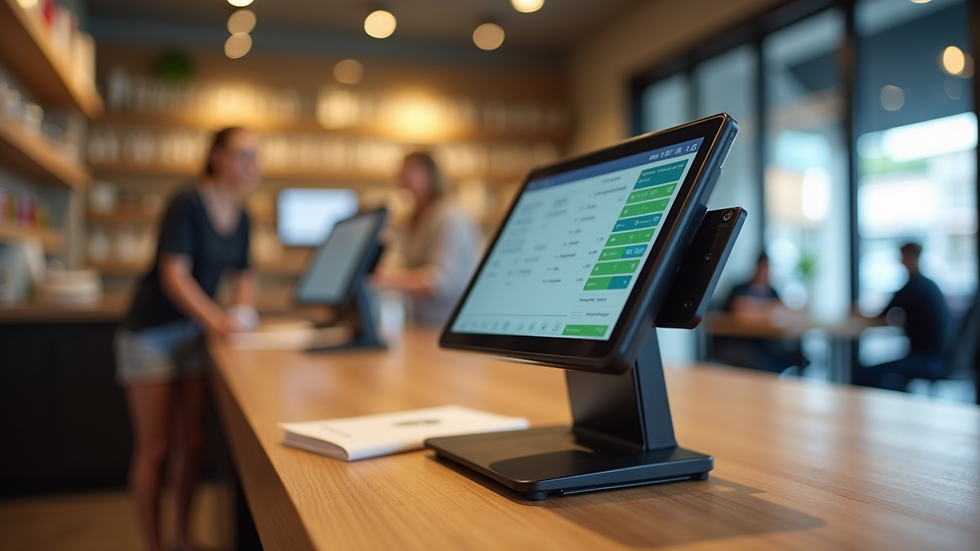
Hardware is the physical part of your POS system. It includes:
POS terminals (touchscreen monitors or tablets)
Cash drawers
Receipt printers
Barcode scanners
Card readers
Expect to pay anywhere from $300 to $2,000 for hardware. Basic setups cost less. Advanced systems with multiple terminals and accessories cost more. For example, a single tablet-based POS might cost $300-$700. A full retail setup with multiple terminals and printers can reach $2,000 or more.
Software Fees
Software powers your POS system. It manages sales, inventory, and reports. Software pricing usually comes as:
Monthly subscription fees: $20 to $100+ per month
One-time purchase fees: $500 to $2,000+
Subscription models are popular. They include updates and support. One-time fees mean you own the software but may pay for upgrades later.
Payment Processing Fees
Don’t forget payment processing! It’s a big part of your ongoing costs. Most providers charge:
Transaction fees: 1.5% to 3.5% per sale
Monthly fees: $0 to $30+
Additional fees: chargebacks, refunds, or hardware rentals
These fees vary by provider and payment method. Always compare rates before choosing.

How much does a custom POS system cost?
Custom POS systems are tailored to your business needs. They offer unique features and integrations. But they come with a higher price tag.
Development and Setup
Custom systems require software development. This can cost:
$5,000 to $50,000+ depending on complexity
Additional hardware costs similar to standard systems
You pay for design, coding, testing, and deployment. Custom systems take longer to launch but fit your exact needs.
Maintenance and Updates
Custom software needs ongoing maintenance. Expect:
Monthly or annual fees for support
Costs for updates and new features
This keeps your system secure and efficient.
Benefits of Custom POS
Tailored features for your business
Better integration with existing tools
Scalability as your business grows
If you want a unique solution, custom POS is worth considering. But budget carefully!
Hidden Costs to Watch Out For
POS systems have more than just hardware and software fees. Watch for these hidden costs:
Installation fees: Some providers charge for setup
Training costs: Staff need to learn the system
Support fees: Premium support may cost extra
Upgrades: New features or hardware replacements
Contract termination fees: If you cancel early
Plan for these expenses to avoid surprises.
How to Save on Your POS System
You want the best system without overspending. Here’s how to save:
Compare multiple providers: Look at hardware, software, and fees
Choose scalable solutions: Start small and upgrade later
Use cloud-based software: Lower upfront costs and easy updates
Negotiate payment processing rates: Especially if you have high sales volume
Bundle hardware and software: Some vendors offer discounts
Smart shopping pays off!
Final Thoughts on POS System Pricing
POS systems are an investment. They improve efficiency and customer experience. But costs vary widely. Understand hardware, software, and processing fees. Watch for hidden expenses. Consider custom solutions if you need unique features. Always shop smart and plan your budget carefully.
Ready to pick your perfect POS system? Use this pricing guide to make informed choices. Your business deserves the best tools at the right price!
For detailed pricing info, check out this point of sale system cost resource.


Comments